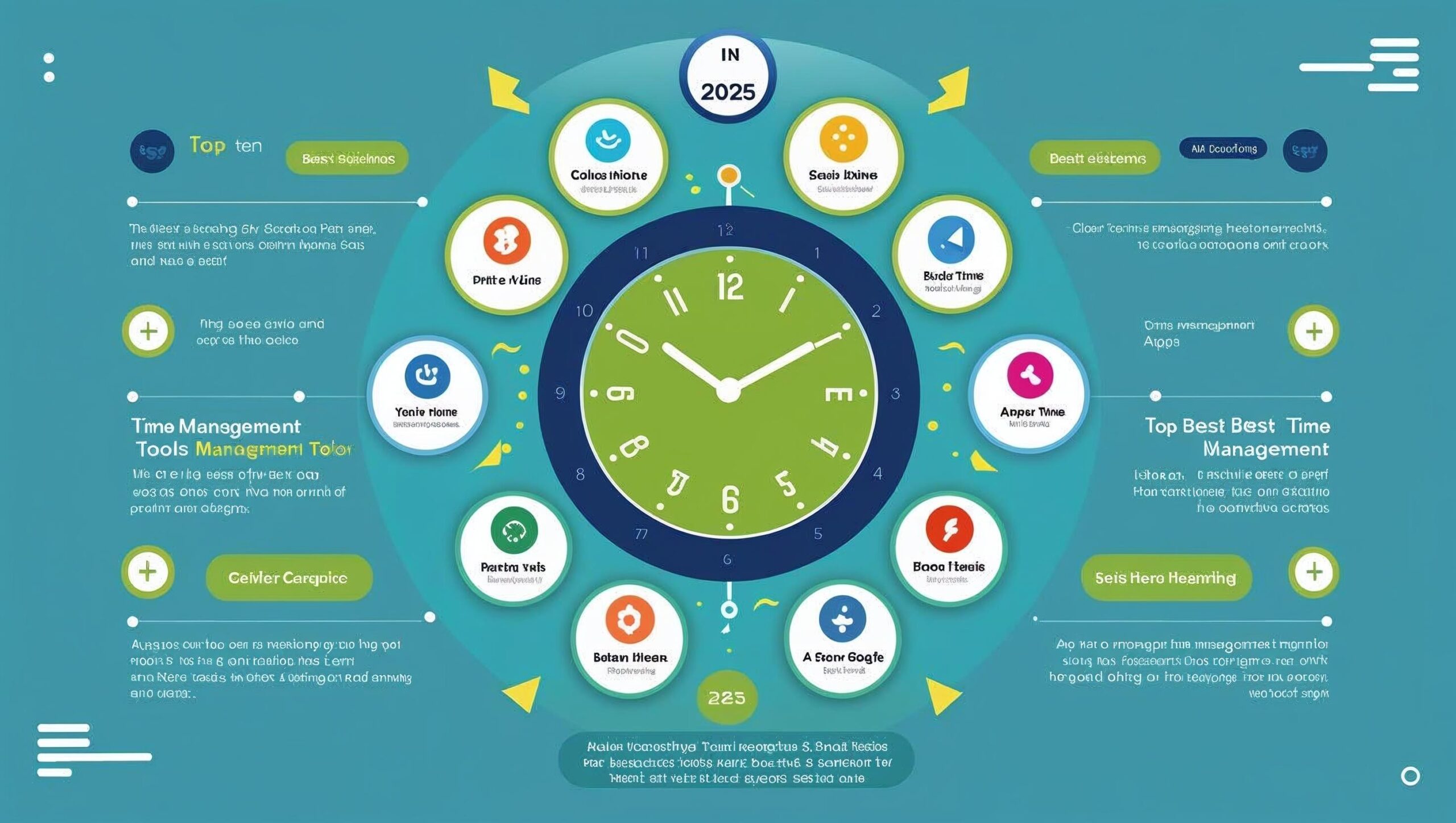

Best Time Management Tools and Apps You Need in 2025
In 2025, managing time well has become more of a survival skill than a nice-to-have.
Yet, surprisingly, only 18% of people actually use a proper time management system.
On top of that, about 60% of working hours still get lost in tasks that don’t add real value.
And nearly 7 in 10 people say they rarely enjoy uninterrupted focus time.
Because of this, the right tools aren’t just convenient anymore—they’re essential.
Apps like Toggl Track make it easy to see where your hours go.
While Clockify helps teams and individuals track tasks seamlessly across devices.
Meanwhile, Monday.com offers a highly visual way to organize workflows.
And Todoist or RescueTime are perfect for personal productivity and focus.
In other words, with so much time slipping through the cracks, these apps aren’t just about keeping to-do lists—they’re about winning back your day.
Best 20 Pomodoro Technique Apps for Focus & Productivity
With that in mind, let’s move on to the topic.
Best 33 Time Management Tools and Apps You Need in 2025

So now, let’s begin from here and go through them one by one.
✅ 1. Todoist — Best for Personal To-Do Lists
Website: https://todoist.com
Pricing: Free + Paid Plans
Todoist is a popular to-do list app that helps you manage tasks easily. It’s simple yet powerful.
Features:
- Add tasks quickly with natural language
- Recurring tasks and reminders
- Priorities and labels
- Integration with Google Calendar
Why it’s great: Todoist is like your digital notebook. It keeps you on track so you don’t forget anything important.
Top Brands — Bags & Backpacks
Stylish picks, everyday durability. Starting ₹199


✅ 2. Trello — Best for Task Management
Website: https://trello.com
Pricing: Free + Paid Plans
Trello is a visual task manager that uses boards and cards. You can add tasks, deadlines, and checklists, and assign them to team members. It’s perfect for students, freelancers, and small teams.
Features:
- Drag-and-drop task cards
- Labels, deadlines, and checklists
- Team collaboration
- Automation with Trello AI
Why it’s great: Trello makes teamwork fun and easy. You can see every project at a glance.
Top 25 Work-from-Home Jobs in 2025 That Actually Pay Well
✅ 3. Toggl Track — Best for Time Tracking
Website: https://toggl.com/track
Pricing: Free + Paid Plans
Toggl Track helps you track time so you know exactly where your hours go.
Features:
- One-click time tracking
- Reports and insights
- Project tracking
- Team dashboard
Why it’s great: It helps you find and cut wasted time so you can focus on what matters.
✅ 4. Notion — Best All-in-One Workspace
Website: https://notion.so
Pricing: Free + Paid Plans
Notion is more than a notes app. It’s a full workspace where you can write, plan, and manage projects.
Features:
- Notes, docs, and databases
- Task boards and calendars
- Team collaboration
- Templates for faster setup
Why it’s great: You can run your whole life and work from one place.
✅ 5. RescueTime — Best for Focus & Habits
Website: https://rescuetime.com
Pricing: Free + Paid Plans
RescueTime runs in the background and tracks how you spend time.
Features:
- Tracks apps and websites
- Focus sessions
- Daily productivity reports
- Goal setting
Why it’s great: It helps you cut distractions and build better habits.
✅ 6. Asana — Best for Team Collaboration
Website: https://asana.com
Pricing: Free + Paid Plans
Asana is built for teams to work together smoothly.
Features:
- Task lists and boards
- Project timelines
- Custom workflows
- Team communication
Why it’s great: It keeps everyone on the same page and reduces endless email chains.
✅ 7. Harvest — Best for Freelancers & Billing
Website: https://getharvest.com
Pricing: Free Trial + Paid Plans
Harvest tracks time and also helps you bill clients.
Features:
- Time and expense tracking
- Invoicing tools
- Budget tracking
- Reports and insights
Why it’s great: Perfect for freelancers who want to get paid fairly for their time.
✅ 8. TimeCamp — Best for Automatic Tracking
Website: https://timecamp.com
Pricing: Free + Paid Plans
TimeCamp tracks your time automatically.
Features:
- Automatic time tracking
- Billing and invoicing
- Productivity reports
- Project tracking
Why it’s great: Saves time by tracking your work without manual input.
Discover Timeless Ethnic Elegance — Curated Picks for Her
A handpicked edit from W for Woman, Aurelia, INDO ERA and Janasya — styles that move effortlessly from desk to dinner and festivals. Quick to style, comfortable to wear, and easy to love.


Top 25 Work-from-Home Jobs in 2025 That Actually Pay Well
✅ 9. Google Calendar — Best for Scheduling
Website: https://calendar.google.com
Pricing: Free
Google Calendar is a must-have for scheduling your life.
Features:
- Event scheduling
- Meeting invites
- Reminders and recurring events
- Sync across devices
Why it’s great: Simple, free, and powerful for planning your day.
✅ 10. Clockify — Best Free Time Tracker
Website: https://clockify.me
Pricing: Free + Paid Plans
Clockify helps you and your team log work hours.
Features:
- Unlimited users
- Time tracking
- Reports
- Project management
Why it’s great: It’s one of the best free options for teams.
✅ 11. Forest — Best for Staying Focused
Website: https://forestapp.cc
Pricing: Paid (One-Time)
Forest makes focus fun by turning it into a game.
Features:
- Plant virtual trees as you focus
- Earn rewards for staying off your phone
- Track progress over time
Why it’s great: Stay focused and help plant real trees too.
✅ 12. ClickUp — Best for All-in-One Project Management
Website: https://clickup.com
Pricing: Free + Paid Plans
ClickUp is like having many tools in one.
Features:
- Tasks, docs, and goals
- Automations
- Mind maps
- Dashboards
Why it’s great: Replaces multiple apps and saves you money.
✅ 13. TrackingTime PRO — Best for Attendance & Hours
Website: https://trackingtime.co
Pricing: Free + Paid Plans
TrackingTime PRO is made for work teams.
Features:
- Employee attendance
- Time tracking
- Reports and charts
- Integrations
Why it’s great: Perfect for HR and remote team management.
Top 30 Digital Tools and Platforms Every Freelancer Must Use
✅ 14. Jira — Best for Developers
Website: https://atlassian.com/software/jira
Pricing: Free + Paid Plans
Jira is the top choice for software teams.
Features:
- Agile boards
- Sprint planning
- Bug tracking
- Reporting tools
Why it’s great: Developers can track and fix issues fast.
✅ 15. Monday.com — Best for Flexible Workflows
Website: https://monday.com
Pricing: Free + Paid Plans
Monday.com is flexible and colorful.
Features:
- Custom workflows
- Dashboards
- Time tracking
- Automations
Why it’s great: Teams can shape it to match their work style.
Unlock premium value — grab it while stock lasts
Handpicked recommendation with verified features and fast delivery. Click below to view details and claim discounts on Amazon.
✅ 16. TickTick — Best for Daily Planning
Website: https://ticktick.com
Pricing: Free + Paid Plans
TickTick is a smart daily planner.
Features:
- To-do lists
- Habit tracking
- Calendar view
- Reminders
Why it’s great: Keeps your daily schedule neat and simple.
✅ 17. Wrike — Best for Enterprise Teams
Website: https://wrike.com
Pricing: Free + Paid Plans
Wrike is built for large teams and companies.
Features:
- Project management
- File sharing
- Time tracking
- Gantt charts
Why it’s great: Big teams can handle complex projects with ease.
✅ 18. Microsoft To Do — Best for Microsoft Users
Website: https://todo.microsoft.com
Pricing: Free
Microsoft To Do is a simple list app that works well with Microsoft Office.
Features:
- Task lists
- Reminders
- Cloud sync
- Outlook integration
Why it’s great: Perfect if you already use Microsoft products.
✅ 19. Motion — Best AI-Powered Planner
Website: https://usemotion.com
Pricing: Paid Plans
Motion uses AI to plan your day.
Features:
- Auto-schedules tasks
- Meeting scheduling
- AI task prioritization
Why it’s great: Saves hours of planning by letting AI do the work.
✅ 20. MyHours — Best for Small Businesses
Website: https://myhours.com
Pricing: Free + Paid Plans
MyHours is great for freelancers and small teams.
Features:
- Track work hours
- Client billing
- Reporting
- Project budgets
Why it’s great: Simple and effective for billing clients correctly.
✅ 21. Timely — Best for Bookings & Payments
Website: https://timelyhq.com
Pricing: Paid Plans
Timely is built for service providers.
Features:
- Online booking
- Payments
- Client reminders
Why it’s great: Saves time for business owners by automating bookings and payments.
✅ 22. 1Password — Best for Saving Time on Logins
Website: https://1password.com
Pricing: Paid Plans
1Password is a password manager that saves time.
Features:
- Stores and autofills passwords
- Secure vault
- Family and team sharing
Why it’s great: No more wasting time resetting forgotten passwords.
✅ 23. Time Doctor — Best for Productivity Tracking
Website: https://timedoctor.com
Pricing: Paid Plans
Time Doctor keeps teams accountable.
Features:
- Time tracking
- Screenshots
- Distraction alerts
- Productivity reports
Why it’s great: Great for remote teams to stay focused and productive.
✅ 24. Routine — Best for Mixing Tasks & Calendar
Website: https://routine.co
Pricing: Free + Paid Plans
Routine combines calendar and task manager.
Features:
- Calendar view
- Task lists
- Notes
Why it’s great: Helps balance personal and work tasks in one place.
✅ 25. Hubstaff — Best for Remote Team Tracking
Website: https://hubstaff.com
Pricing: Paid Plans
Hubstaff is perfect for remote work.
Features:
- GPS tracking
- Screenshots
- Time tracking
- Payroll
Why it’s great: Makes managing remote teams easy and transparent.
✅ 26. TrackingTime LLC — Best for Simple Time Tracking
Website: https://trackingtime.co
Pricing: Free + Paid Plans
TrackingTime LLC is another strong option.
Features:
- Simple time tracking
- Project management
- Reports
Why it’s great: A clean, easy tool for tracking team work hours.
✅ 27. Evernote — Best for Notes & Ideas
Website: https://evernote.com
Pricing: Free + Paid Plans
Evernote helps you save and organize ideas.
Features:
- Notes and notebooks
- To-do lists
- File storage
- Sync across devices
Why it’s great: Perfect for capturing ideas before you forget them.
✅ 28. Quire — Best for Simple Project Management
Website: https://quire.io
Pricing: Free + Paid Plans
Quire is clean and easy for teams.
Features:
- Nested task lists
- Kanban boards
- Collaboration tools
Why it’s great: Breaks big projects into smaller, easier steps.
✅ 29. Basecamp — Best for Small Businesses
Website: https://basecamp.com
Pricing: Paid Plans
Basecamp keeps everything in one place.
Features:
- To-do lists
- Team chat
- File storage
- Project organization
Why it’s great: Simple and powerful for small teams.
✅ 30. Focus@Will — Best for Focus Music
Website: https://focusatwill.com
Pricing: Paid Plans
Focus@Will uses music to help you focus.
Features:
- Curated focus music
- Different energy levels
- Timer sessions
Why it’s great: Improves focus and keeps you in the zone while working.
✅ 31. Sunsama — Best for Daily Planning with Focus
Website: https://sunsama.com
Pricing: Paid Plans
Sunsama is a daily planner that integrates with your calendar and tasks.
Features:
- Daily planning ritual
- Drag-and-drop tasks
- Integrates with Trello, Asana, and Gmail
Why it’s great: Helps you plan realistic daily schedules.
✅ 32. Serene — Best for Deep Work
Website: https://sereneapp.com
Pricing: Paid Plans
Serene is made for people who love deep focus work.
Features:
- Focus sessions with timers
- Daily goal setting
- Distraction blocking
Why it’s great: Perfect for freelancers and writers who need focus time.
✅ 33. Pomofocus — Best for Pomodoro Technique
Website: https://pomofocus.io
Pricing: Free
Pomofocus is an online Pomodoro timer.
Features:
- 25-minute work sessions
- Custom timers
- Progress tracking
Why it’s great: Helps you work in focused sprints with breaks.
📊 Comparison Table: Which Time Management Tool Is Best for You?
Sometimes it’s hard to pick the right app because there are so many options. That’s why we made this simple comparison table. It shows you what each tool is best for, the pricing, and its unique feature. This way, you can choose the one that fits your needs the most.
| App | Best For | Pricing | Unique Feature |
|---|---|---|---|
| Todoist | Personal To-Do Lists | Free + Paid | Natural language task entry |
| Trello | Task Management | Free + Paid | Visual board & card system |
| Toggl Track | Time Tracking | Free + Paid | One-click time tracking |
| Notion | All-in-One Workspace | Free + Paid | Notes + tasks + databases in one |
| RescueTime | Focus & Habits | Free + Paid | Tracks apps & websites automatically |
| Asana | Team Collaboration | Free + Paid | Project timelines & workflows |
| Google Calendar | Scheduling | Free | Syncs easily with other Google apps |
| Clockify | Free Time Tracker | Free + Paid | Unlimited users free |
| ClickUp | All-in-One Project Mgmt | Free + Paid | Docs, goals & dashboards |
| Monday.com | Flexible Workflows | Free + Paid | Custom workflows & automations |
| Forest | Focus & Avoiding Phone Use | Paid (One-Time) | Gamified tree planting |
| Sunsama | Daily Planning with Focus | Paid | Daily planning ritual |
| Time Doctor | Productivity Tracking | Paid | Screenshots + distraction alerts |
| Hubstaff | Remote Team Tracking | Paid | GPS tracking + payroll |
| Pomofocus | Pomodoro Technique | Free | Simple online Pomodoro timer |
Final Thoughts on Best Time Management Tools and Apps You Need in 2025
Time management is not about doing more—it’s about doing what matters most.
These 33 tools of 2025 will help you stay on track, focus better, and achieve more without burning out.
Many of them are free or affordable, so pick one today and start taking control of your time.
✨ Note: Try two or three apps to see what fits your style. Once you find your match, stick with it to build strong habits.
🚀 Take Action Now
Time is your most valuable asset. Don’t waste it—start managing it better today! Pick your favorite app from this list and begin planning smarter, working faster, and living better in 2025.
💬 We’d love to hear from you: Which time management app do you use, or which one are you most excited to try first? Share your answer in the comments and let’s learn from each other!
And at last one request- “When you subscribe, you’re not just clicking a button—you’re choosing to stay connected, to share in a journey, and to be part of something that grows with every heartbeat of support.”
💬 Frequently Asked Questions (FAQs)
What is the best free time management app in 2025?
Google Calendar, Trello, and Clockify are great free options.
Which time management app is best for students?
MyStudyLife is made for students, but Notion and Forest are also helpful.
Can I use more than one tool together?
Yes! Many people use Google Calendar for planning and Trello or Todoist for tasks.
Are these apps safe and private?
Yes, most apps have strong privacy policies. Always check permissions before installing.